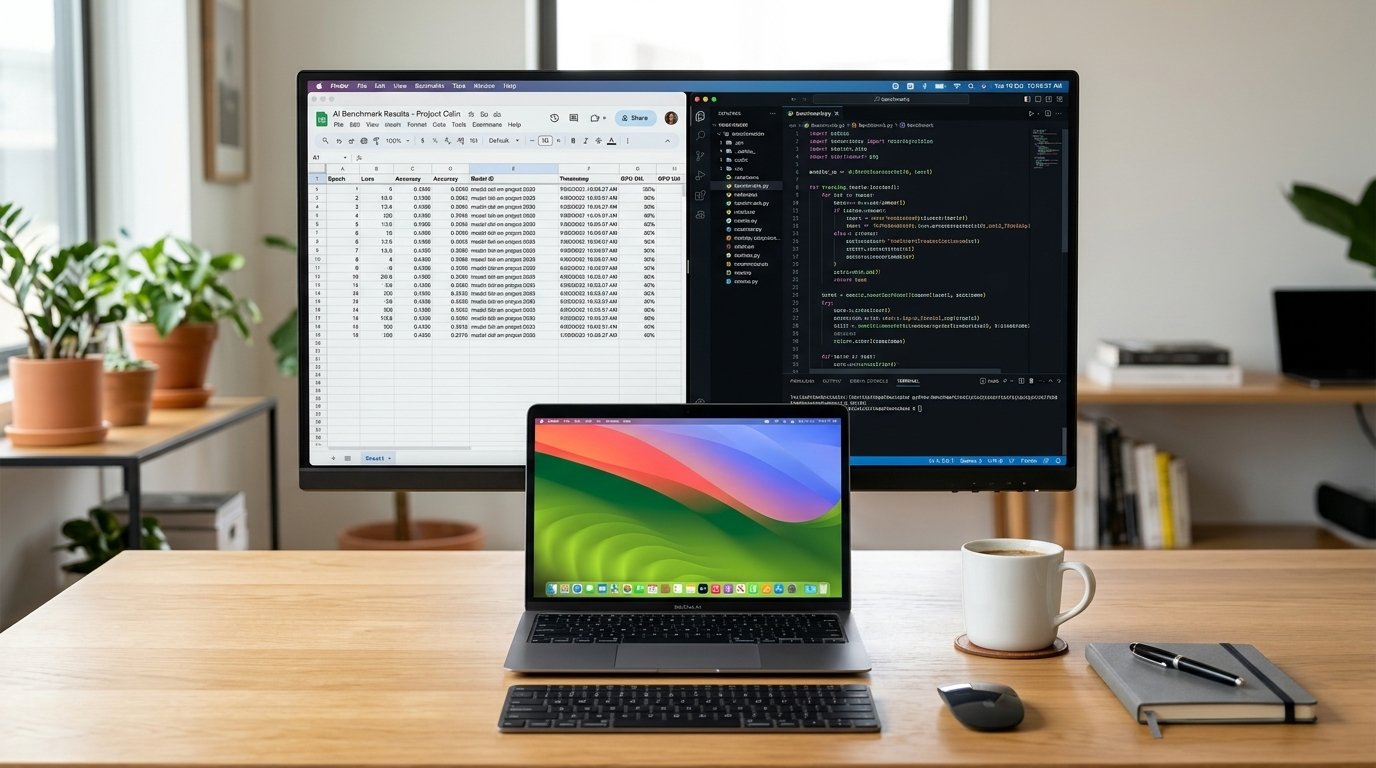

AI training may seem too complex when you think of it, but it isn't. People imagine it in the lines of flickering servers and Ph.D. engineers. The reality is more simple. With a good laptop, some patience, and the proper setup, anyone can begin the process of training AI models today. Access is not the problem. Knowing just what you require prior to investing cash or time into the wrong thing.
Whether you're training a small model for a side project or you are ready to go to work professionally on client projects, this guide takes you through the real tools and setup needed to start AI training work.
Why Your Setup Determines How Far You Go

Inasmuch as starting small is being preached, a weak setup won't stop you from learning, but it will frustrate you and slow you down quickly. However, many startups are being turned away from learning AI because the tools were never designed for it, with training times being lengthened, sessions being crashed, and compatibility errors.
Getting the right tools early saves you from weeks of wasted time and effort. Regardless of where you're in, the setup process is the same. What changes is access to electricity, internet speed and local pricing.
The Setup You Need
1. A good computer (or access to a good computer)
You don't essentially need a supercomputer to start. You need a device that can handle the basics without failing.
When training light AI models, like fine-tuning small models or notebooks, target:
16GB of RAM is recommended (8GB should work, but it will slow you down a bit)
Modern Multi Core Processor: Intel i5, i7 or AMD Ryzen 5 or 7 or Apple M series
A dedicated GPU preferably NVIDIA with memory of at least 6GB (VRAM)
Minimum requirement of 256 GB of storage and preferably SSD for speed.
If your laptop does not have a dedicated GPU (Graphics Processing unit) don't panic. Almost all of the actual work of training AI is performed in the cloud, and not on personal computers. All your laptop's needs are to write code and access cloud resources without any hassle, while handling files.
2. Cloud GPU access
This is the very part most beginners neglect and it's the part that matter most. The power of GPUs is essential for the training of AI models particularly beyond small-scale experiments, yet most personal computers simply cannot match the computing power of GPUs. This is where renting cloud GPUs comes in handy without the need to invest hundreds of thousands of dollars in hardware.
Popular options include:
Google Colab, where you can access GPUs for free or as paid access, directly in your browser.
Kaggle Notebooks provides free GPU hours and is a great place for beginners to get started.
AWS, Google Cloud or Microsoft Azure (with scalable GPU instances for serious projects).
These are the cheaper options, designed specifically for the needs of AI and machine learning applications:
- RunPod and Vast.ai.
- Paperspace Gradient, which has a user-friendly interface and is user friendly for beginners.
- If you're a new user, you should start using Google Colab or Kaggle. They are both free to begin, have no set up hassles, and enable you to train actual models in minutes. As your projects scale up, you can scale up to paid, hourly cloud GPUs.
This is the same set up if you are located in the U.S., Canada, the U.K., Germany, Australia or anywhere else with a fast internet connection. There is a pricing difference in cloud GPU, which is in USD for most platforms and if you are outside of the USA, you'll have to consider currency conversion and local taxes.
3. Python and the right Programming environment
Nearly all AI technical training roles today is done with Python. This is such a fundamental requirement, you cannot be unknown to Python. The requirements are that you should have an understanding of variables, loops, functions and basic data structures, but not necessarily an expert.
When you are familiar with the fundamentals of python, properly configure your environment:
Install Python - this is usually safe to do with version 3.10 or above:
Be sure to use Anaconda or Miniconda to manage packages and avoid version conflicts.
Install Jupyter Notebook or JupyterLab to interactively code and test.
Programming Codes: Use codes editor like VS Code with strong Python and AI support
In a clean environment setup, you can avoid the typical newbie problem: code that runs on one machine and crashes on another. Manage your projects and ensure there are no conflicts between your dependencies in Virtual environments.
4. Machine learning frameworks
Here is where the actual AI training tools are. At least one framework is needed to develop and train models. The most popular options are:
Flexible and easier to debug, PyTorch is widely adopted by the industry and is gaining popularity in research.
TensorFlow is a family of tools supported by Google and has excellent production deployment capabilities, which are utilized widely in enterprise applications.
PyTorch is the preferred choice for most beginners embarking on AI training projects in 2026, given its user-friendly syntax and the wealth of guides and community resources. However, both of them are good. Choose one, get familiar with it and don't switch back and forth between frameworks before you're comfortable with the core concepts of both.
In addition to your main framework, you'll need:
Pandas for data analysis and manipulation
R for data handling and manipulation
Matplotlib or Seaborn for plotting the data and results
Spacy for simpler natural language processing tasks and preprocessing
5. A data set and a place to manage it
Data is essential for any training with AI. Before writing the first line of training code you have to have a dataset that's appropriate for your goal.
For beginners, public datasets are the simplest to begin with:
Kaggle Datasets with thousands of ready-to-use, free datasets on any topic in the world.
Hugging Face Datasets are particularly robust for projects related to text, language, and NLP.
Google Dataset search, a search engine that is dedicated to searching for datasets
UCI Machine Learning Repository, a long standing source of clean and well documented datasets
After collecting a dataset, it is essential to have an appropriate place to store and maintain that dataset. Cloud storage, like Google Drive, AWS S3, or Hugging Face Hub, can be a good option when you have a large data set that exceeds the storage capabilities of your local machine. Having data organized from the beginning is going to save you a lot of headaches when you're trying to figure out why your model isn't learning well.
6. Version control
Version control is not optional in actual AI training work. There will be mistakes made, lines of code will be broken and there will be a constant need to backtrack and roll back changes. Git and GitHub is the standard here.
Create a GitHub account, learn some of the basic commands in Git (commit, push, pull, and branch), and make it a habit to commit your work often. This is in addition to safeguarding your progress, and can be significant if you want to collaborate with teams in future or pursue jobs in the AI space. Your GitHub profile can be used as a testament to real-life experience and skills that many employers and clients will wish to see.
7. Experiment tracking tools
When you begin training more than one model, and trying out various settings, it is very difficult to remember what worked and what did not. This is where experiment tracking tools come into play.
Right now the most popular is Weights and Biases, which provides free plans for users and clean dashboards to monitor the performance of the models over time. Another great choice is MLflow especially if you're looking for an open source solution.
These tools aren't required from the get-go, but they become truly beneficial when you're not just following tutorials and are getting into the serious side of AI training. They prevent you from making the same mistakes and allow you to know exactly what differences made to improve your results.
8. Strong internet connection and back-up plans
It's an aspect that is often forgotten, particularly by beginners using areas with unreliable power or internet. Cloud based AI training depends on all of the components of your connection being stable. A faulty connection during the training could be a waste of hours of progress.
Things that can be done to help:
Use platforms which automatically save checkpoints in the training process, so no loss of progress if disconnected during training.
Have an alternate internet connection (mobile data) for days when the internet connection is poor or the internet is unavailable.
If electrical power is not reliable in your area, plan to work outside of times when electrical power is most likely to be down, or buy a small backup power supply.
This matters whether you're training models are from Lagos or a small town in rural Canada. There is no place in the world that does not have infrastructure gaps. Surrounding them helps keep your AI learning activities from stopping.
9. Community and learning resources
Tools alone won't teach you how to use them well. You need people and resources around you. Engage with communities like Hugging Face forums, Kaggle discussion boards, and AI-focused subreddits. These places are packed with people that have the same issues you will have. Learn free courses from fast.ai, DeepLearning.AI and Google's very own machine learning crash course are great resources to start with and fit in with hands-on practice.
Don't simply watch tutorials without taking in any information. Create a small object, break it, fix it, and create a larger object. Learn AI training by doing, don’t just gather information only.
11. Organizational skills and a clear project start-up
This is not something that you purchase, but rather it's part of your element in every sense that matters. Too many beginners attempt to train a big model as their initial project and then burn out within a week.
Start small. Use a model to identify a simple class of images, a simple result from a limited set of training data, or to improve a model on a narrow task with limited data. You get the confidence and sense of intuition from achieving small victories first, before jumping into large AI training endeavors later.
Some Common Errors To Be Avoided

There are a couple of common patterns that emerge among individuals pursuing AI training careers:
Purchase of costly equipment without a grasp of fundamentals. For most beginners, it's not necessary to have cloud GPUs.
Switching from one framework to another rather than learning and mastering one. Choose PyTorch or TensorFlow, and remain committed until you're feeling at ease with it.
Skipping data understanding. A lot of the beginners just start training models without discovering and cleaning their own data first, resulting in bad performance and not knowing what is happening.
Ignoring documentation. There is rich documentation for both PyTorch and TensorFlow. It's more than just following tutorials from second-hand sources.
Working in isolation. Just training AI is hard enough. There is a purpose for communities. Use them.
You don't need a huge budget, or a computer science degree, to start training with AI. It needs to be set up properly: with a device that is capable of it or with access to the cloud, with Python and a framework such as PyTorch, with very clean datasets, with persistence to learn and starting small and building up.